Creamos el archivo de migración para la creación de una nueva tabla
php artisan make:migration create_new_table_users --create "users"
Lo abrimos y añadimos los campos que queremos que tenga la tabla users
/**
     * Run the migrations.
     *
     * @return void
     */
    public function up()
    {
        Schema::create('users', function (Blueprint $table) {
            $table->bigIncrements('id');
            $table->char('first_name', 40);
            $table->char('last_name', 90);
            $table->string('email')->unique();
            $table->timestamp('email_verified_at')->nullable();
            $table->string('password');
            $table->enum('role', ['admin', 'member']);
            $table->char('image', 60)->nullable();
            $table->integer('category_id')->nullable();
            $table->rememberToken();
            $table->timestamp('created_at')->default(DB::raw('CURRENT_TIMESTAMP'));
            $table->timestamp('updated_at')->nullable();
        });
    }

    /**
     * Reverse the migrations.
     *
     * @return void
     */
    public function down()
    {
        Schema::dropIfExists('users');
    }
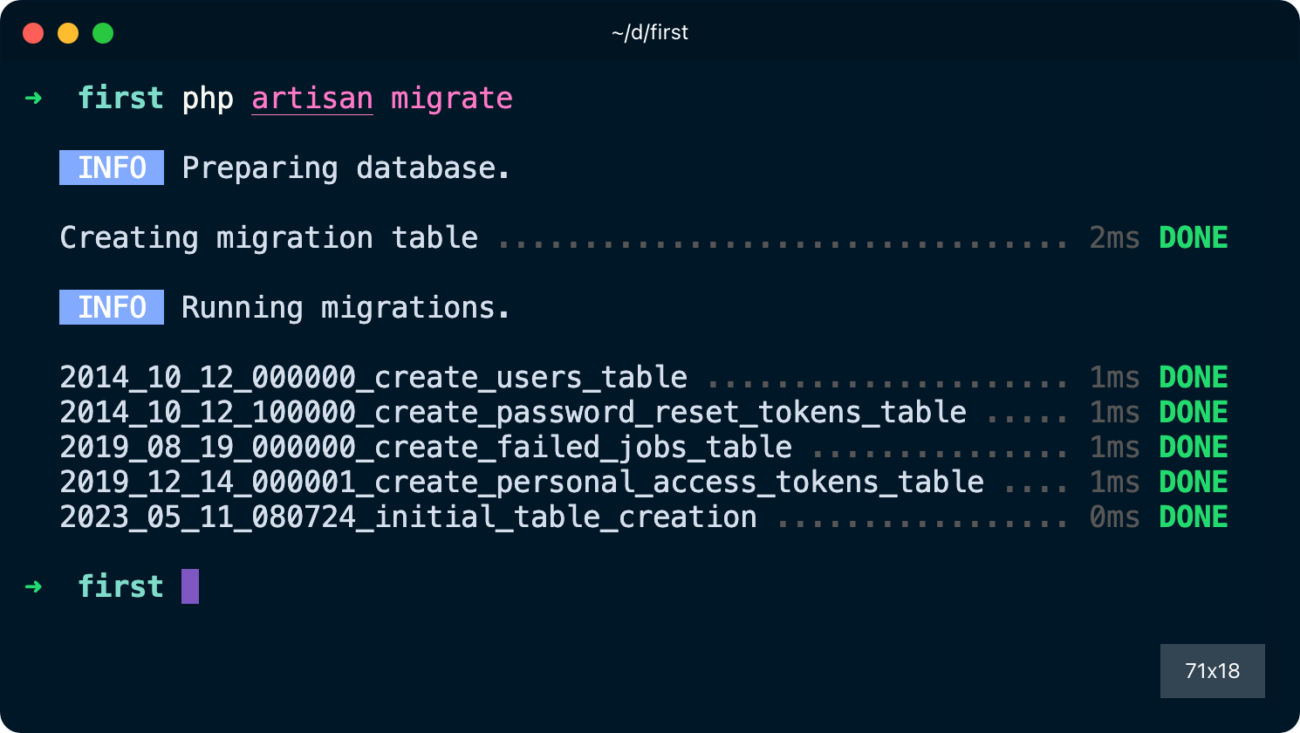
Para ejecutar el archivo, y todos aquellos que todavía no se hayan volcado, y crear las tablas en la BBDD
php artisan migrate
Si hemos creado previamente también un archivo Seeds, podemos ejecutar ambos de una vez
php artisan migrate --seed
O hacer rollback para revertir el último migrate ejecutado
php artisan migrate:rollback
Incluso vaciar la BBDD y volver a ejecutar todos los archivos migrate y añadir, o no, el flag al final del comando para ejecutar también el volcado de los archivos seed
php artisan migrate:refresh --seed
Tambien podemos limpiar la base de datos eliminando directamente todas las tablas
php artisan migrate:reset
Si queremos añadir campos a una tabla que ya existe, crearemos un nuevo archivo de migración
php artisan make:migration add_phone_to_users --table="users"
Y en el archivo que se ha creado, podemos añadir el campo phone (por ejemplo) según la posición que queramos que ocupe
public function up()
{
    Schema::table('users', function($table) {
        $table->string('phone'); // al final de la tabla
$table->string('phone')->before('email'); // antes del email
$table->string('phone')->after('email'); // después del email
    });
}

public function down()
{
    Schema::table('users', function($table) {
        $table->dropColumn('phone');
    });
}